Project · microsoft
Microsoft Sentinel Simplified Onboarding
Automated Sentinel onboarding that reduced seven manual setup tasks across two portals to two clicks in Microsoft Defender.
Project overview
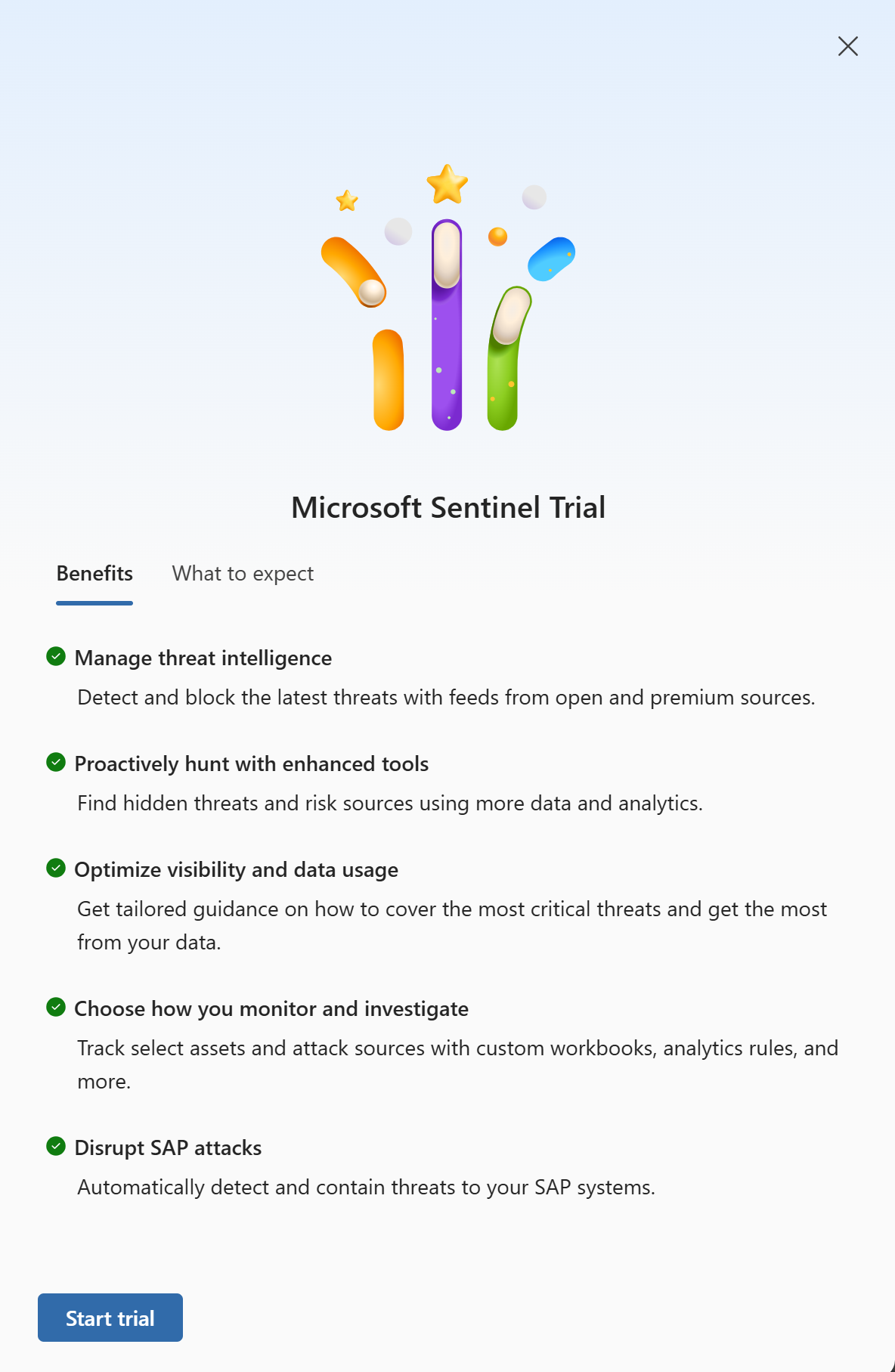
Onboarding to Microsoft Sentinel previously involved seven manual setup tasks spanning the Azure and Microsoft Defender portals. Users had to register a resource provider, create a resource group and Log Analytics workspace, install the Sentinel solution, install the Microsoft Defender XDR connector, enable the connector, and connect the workspace to Defender.
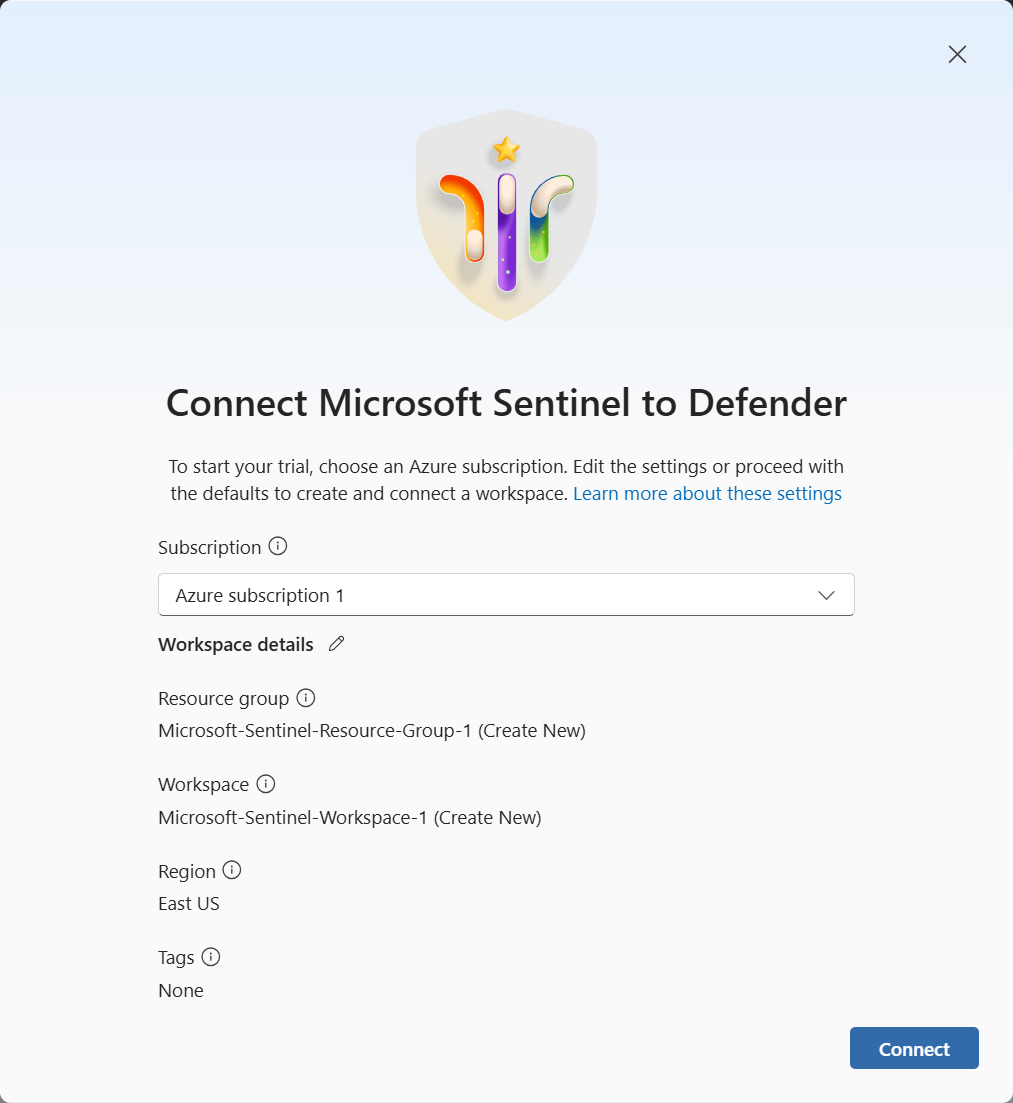
With default settings, the new experience reduced that process to two clicks in Microsoft Defender. It automatically supplies workspace and resource-group names that users can change if needed, then handles the remaining provisioning and connection steps. This also supported the transition away from the Microsoft Sentinel experience in the Azure portal.
My contribution
This was the first project I led at Microsoft. I collaborated with product managers, UX designers, and partner engineering teams, while independently implementing most of the onboarding experience, including its panels, connection dialog, and integrations with the underlying APIs.
I also built an analytics dashboard that tracked user interactions throughout the onboarding flow, making usage and adoption data accessible to product managers and senior leadership.
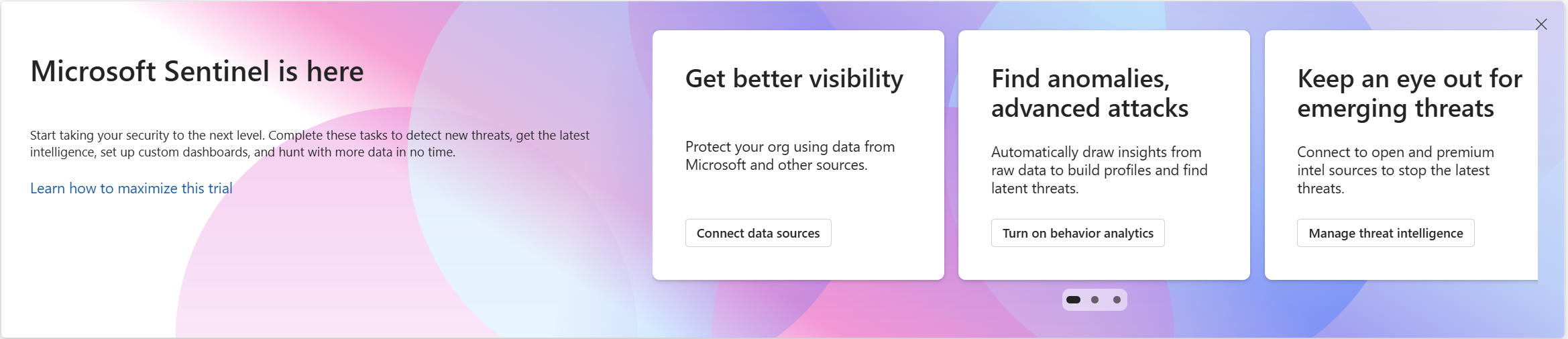
I later collaborated with the Security Copilot team on an additional promotional banner aimed at encouraging adoption.
Inside the experience